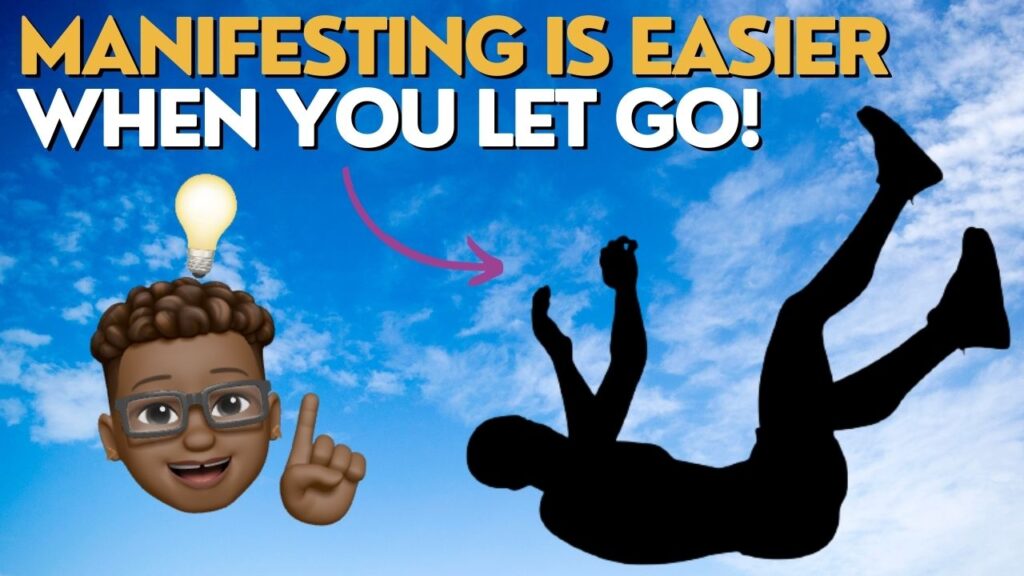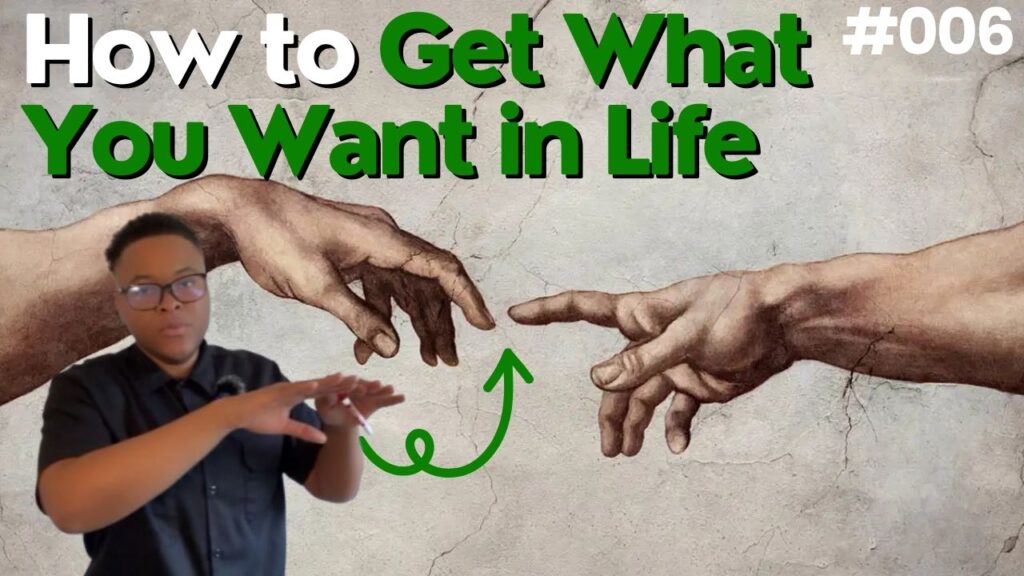
If you want to grow on YouTube, your thumbnail is your first impression — and most creators are leaving views on the table because their thumbnails simply aren’t clickable.
The good news? You don’t need to be a designer to create scroll-stopping thumbnails. With today’s AI tools and Canva’s easy editor, anyone can create high-CTR thumbnails in minutes. In this guide, I’ll walk you through the exact process I used to build a brand-new thumbnail for NarcDojo, using Microsoft Copilot’s AI image generator and Canva.
Whether you’re a beginner or a seasoned creator, this workflow will save you time, boost your creativity, and help your videos stand out.
Why Thumbnails Matter More Than Ever
YouTube can push your video to millions of people — but if the thumbnail doesn’t grab attention, none of that matters.
Your thumbnail determines three major things:
- Click-Through Rate (CTR)
- Impressions & discovery
- Watch time potential
A powerful thumbnail can double, or even triple, the performance of your content. That’s why mastering this process is essential for ANY channel.

Step 1: Generate Your Base Image With Copilot AI
Microsoft Copilot has one of the most flexible and user-friendly AI image generators available today. This is where you create the foundation of your thumbnail.
Here’s how I use it:
✔️ Craft a clear, bold prompt
If your video is about NarcDojo, spiritual healing, or YouTube growth, describe the image in vivid detail.
Example prompt:
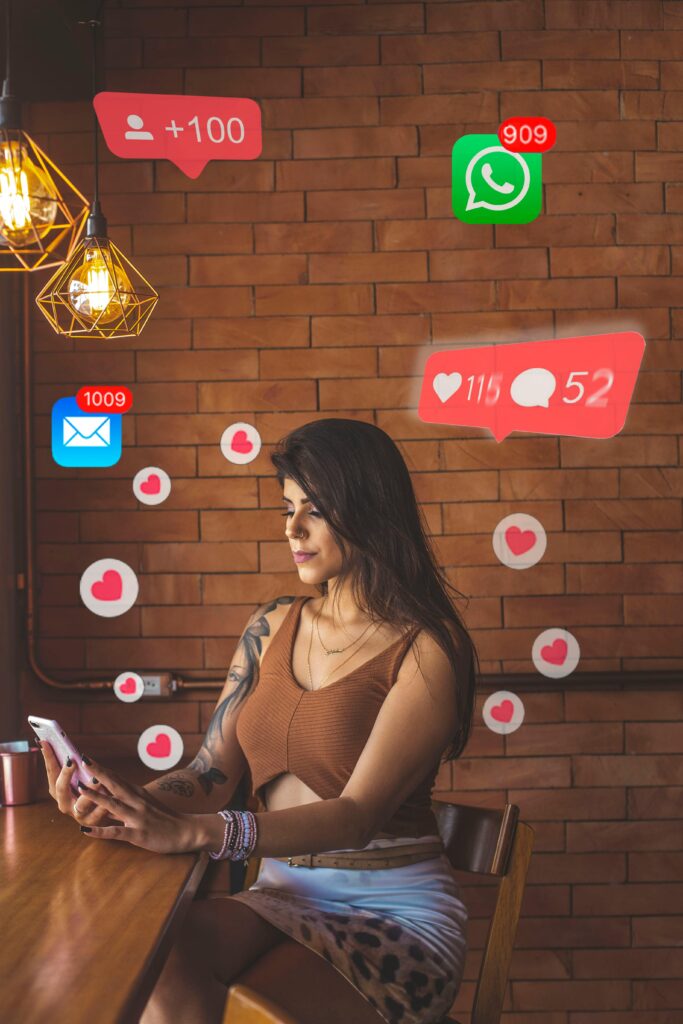
“YouTuber working on a vibrant thumbnail on her laptop, bold colors, clean background, cinematic lighting, high detail.”
✔️ Generate 4–8 variations
Choose the one with the most emotion, clarity, and contrast.
✔️ Download your favorite version
This becomes the main visual anchor of your thumbnail.
Step 2: Import the Image into Canva
Once you have the base image, open Canva and create a new YouTube thumbnail (1280 x 720 px).
In Canva, you’ll:
- Upload your AI-generated image
- Add clean, bold text
- Add glow, outlines, or shadows
- Increase saturation for more pop
This is where your thumbnail transforms from an idea into something eye-catching and clickable.
Step 3: Add Text That’s Short and Powerful
The most common mistake creators make is using too much text.
Your viewers should understand the message in 0.5 seconds.
Use 3–6 words MAX, such as:
- “Stunning Thumbnails Fast”
- “AI Made This!”
- “Create Clickable Art”
Stick to bold sans-serif fonts, and NEVER use more than two colors.
Step 4: Add Color, Contrast & Emotion
Great thumbnails follow simple rules:
✔️ High contrast
Your subject should stand out from the background.
✔️ Emotion drives clicks
Expressions like shock, excitement, or confidence attract the eye.
✔️ Use strong colors
Red, yellow, turquoise, and bright blue work extremely well.
✔️ Add outlines or glow
This separates your subject from the background and increases readability.
These small tweaks create massive CTR improvements.
Final Thoughts: Creating Stunning Thumbnails Is Easier Than You Think
You don’t need expensive software, years of design experience, or a team.
With the combination of Copilot AI and Canva, anyone can create:
✔️ high-quality
✔️ emotionally compelling
✔️ high-CTR
✔️ click-worthy
YouTube thumbnails in minutes.
Once you follow this workflow a few times, it becomes second nature — and your content will start getting the visibility it deserves.